In-car confirmation

Read it on the software screen

This is the only check that counts. Menu wording varies slightly by model and software. Photograph the line.

01

Software tab

  1. Tap the car icon, bottom left.
  2. Tap Software.
  3. Look for Computer / Autopilot computer.

HW3

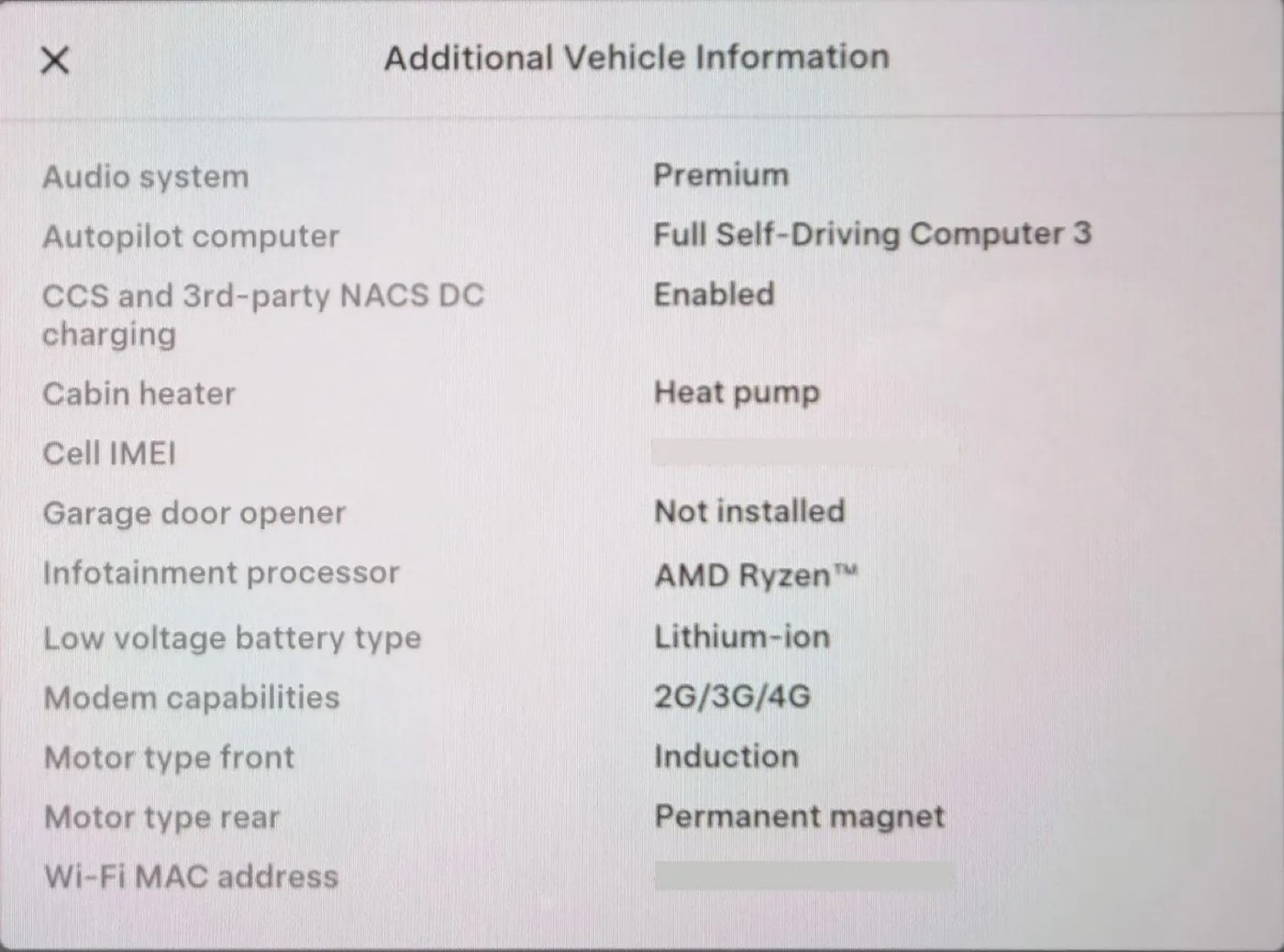
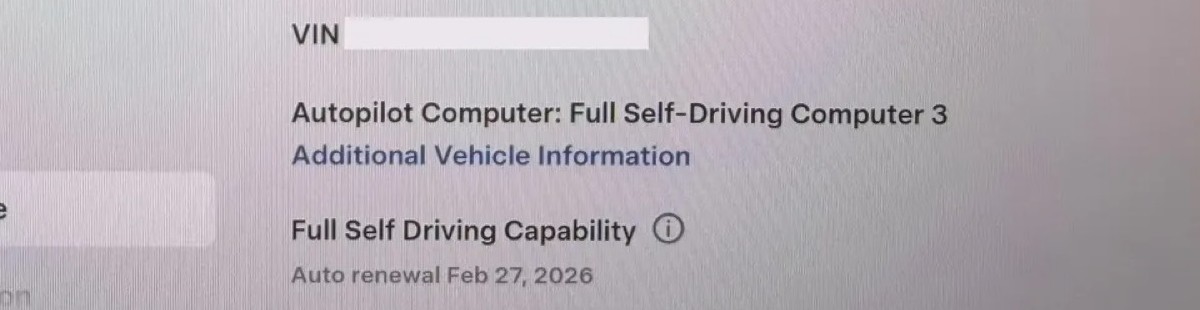
Tesla Software tab showing Autopilot Computer: Full Self-Driving Computer 3

Photograph this line

Autopilot Computer: Full Self-Driving Computer 3

HW4 / AI4
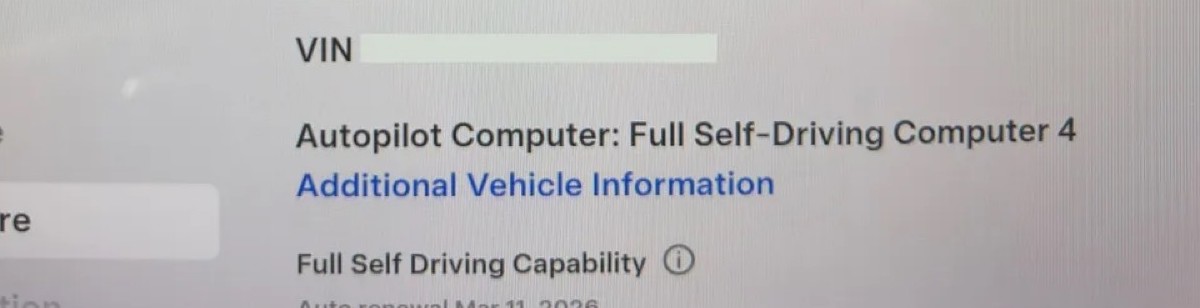
Tesla Software tab showing Autopilot Computer: Full Self-Driving Computer 4

Photograph this line

Autopilot Computer: Full Self-Driving Computer 4

  • HW3 may say “Full Self-Driving Computer 3” or “Full Self-Driving Computer”.
  • HW4 may say “Full Self-Driving Computer 4” or “AI4 Computer / Hardware 4”.

02

Additional Vehicle Information

  1. Car icon, bottom left.
  2. Software.
  3. Additional Vehicle Information.
  4. Autopilot Computer field — 3 or 4.

HW3

Additional Vehicle Information showing Full Self-Driving Computer 3

Photograph this line

Autopilot computer → Full Self-Driving Computer 3

HW4 / AI4
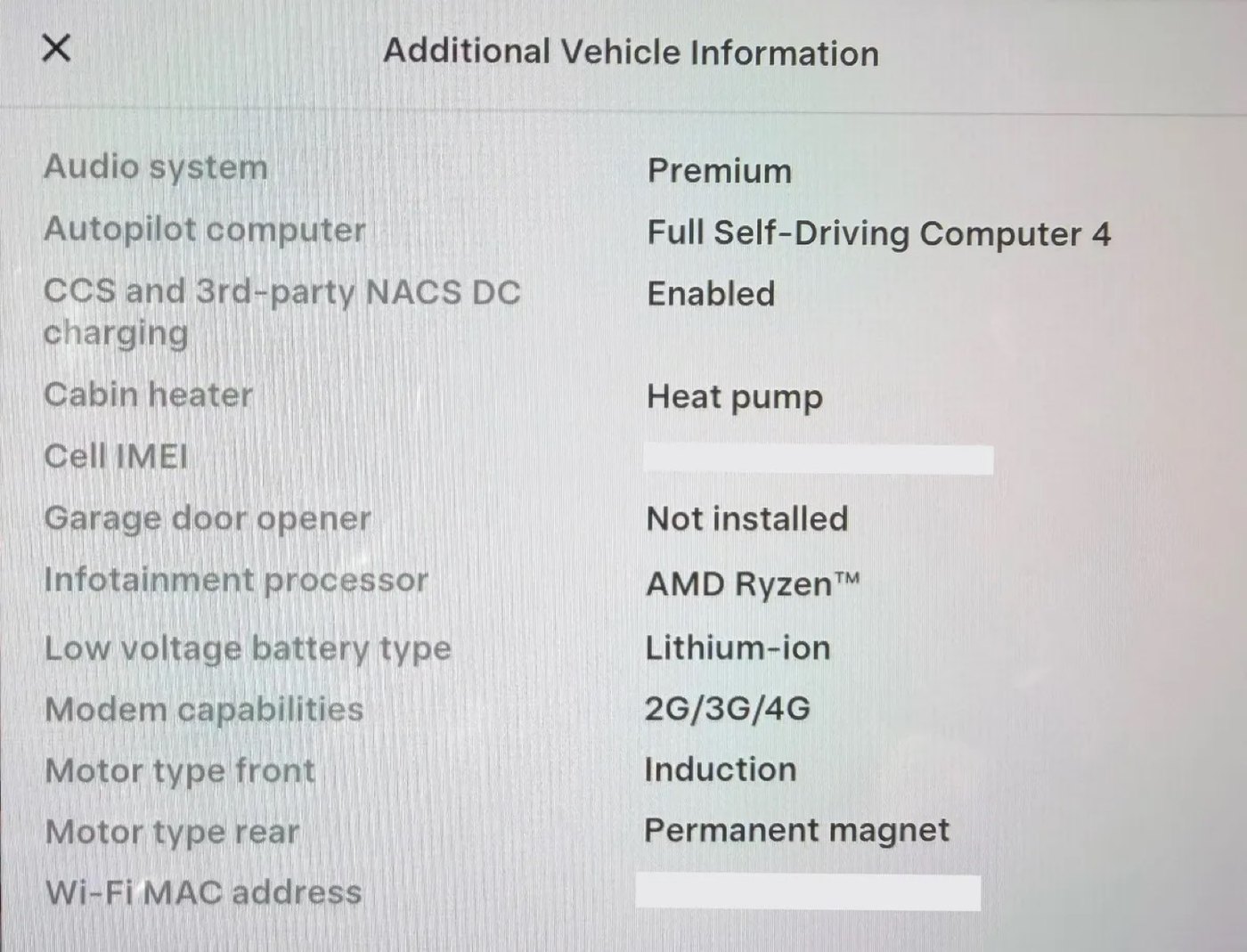
Additional Vehicle Information showing Full Self-Driving Computer 4

Photograph this line

Autopilot computer → Full Self-Driving Computer 4

This is the definitive line. Photograph it before you wire money.

Spot cameras in the lot →

Check a VIN · Exterior guide